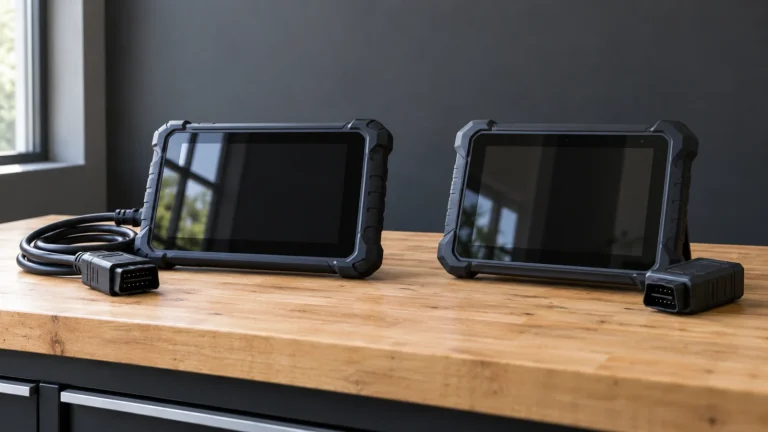
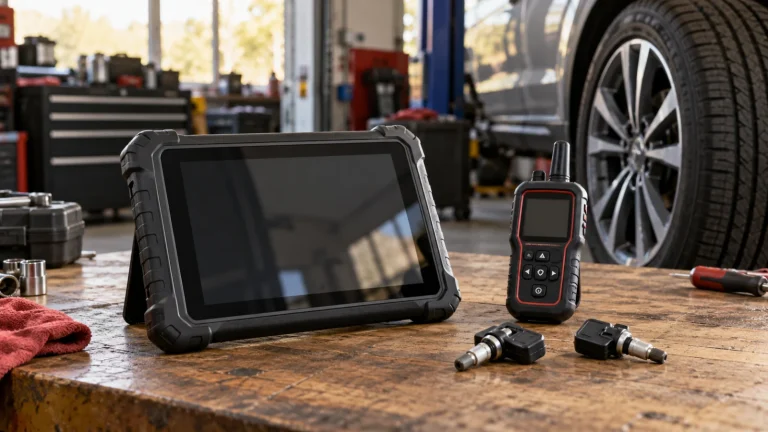
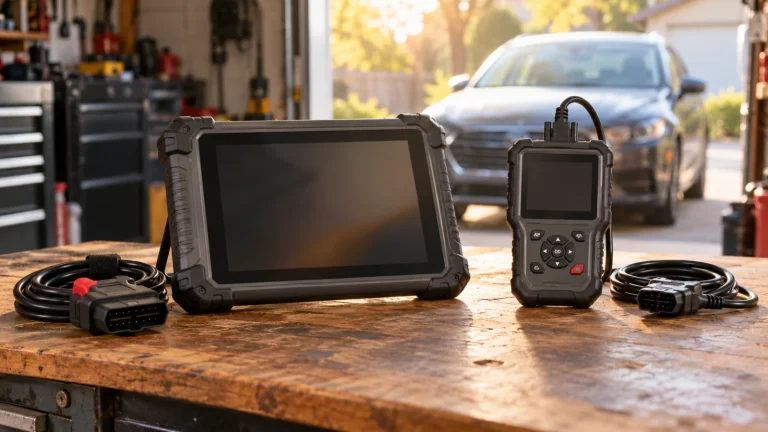
OBDLink MX+ vs Professional Scan Tablet: Know the Diagnostic Limits
In this guide
A compact Bluetooth diagnostic adapter and a dedicated scan tablet can both advertise “advanced diagnostics,” yet they are not interchangeable. OBDLink MX+ works with an app-based ecosystem, and its official support pages describe enhanced OEM diagnostics for particular vehicles. A professional tablet such as the Autel MK900-BT is built around its own broader all-system and service-function software. Neither category guarantees every function on every vehicle.
Affiliate disclosure: As an Amazon Associate I earn from qualifying purchases.
Quick verdict: An OBDLink MX+ is worth considering when your task is reading supported OBD2 and enhanced OEM data through a compatible app. A dedicated scan tablet becomes more appealing for users who need named service procedures, structured pre/post repair reports, broader verified multi-vehicle workflows, or supported active tests. Choose by exact function, not the device’s size.
No devices were hands-on tested for this comparison. All support claims should be checked against the current manufacturer coverage matrix, app version, phone operating system and vehicle. The adapter is not being recommended for module programming or safety-system repair by default.
What the OBDLink documentation actually says

OBDLink states that its MX+ hardware supports standard OBD-II diagnostics on compliant cars, with OEM-specific enhanced diagnostics included in the OBDLink app for many makes. Its support notes explicitly distinguish OEM fault codes and live parameters from generic diagnostics and explain that some enhanced packages are exclusive to MX+. It warns that other adapters may require paid add-ons and may still lack selected vehicle parameters.
That detail matters because many buyers assume that “an app reads ABS” means the app can execute an ABS bleed routine or an electronic parking brake service. It does not follow. Diagnostic access and commanded service procedures are different classes of functionality. Obtain proof for the specific required task.
Comparative decision table
| Buying question | OBDLink MX+ with app | Dedicated professional tablet |
|---|---|---|
| Standard OBD-II DTCs and PIDs | Officially supported | Typically supported, check vehicle |
| Enhanced OEM codes | Supported for selected vehicles/apps | Manufacturer-specific coverage by tool |
| Needs personal phone or tablet | Normally uses phone/PC app | Generally self-contained tablet |
| Vehicle-specific service routines | App-dependent; do not assume | Advertised on many models; still verify |
| Active bidirectional tests | Not established universally by adapter | Often advertised; check exact function |
| Pre/post reporting | App capability dependent | Available on some models such as MK900-BT |
| Total system cost | Adapter + device/app or add-ons | Scanner + included software/accessories |
The table compares documented product approaches, not benchmarked accuracy or response speed.
Where an MX+ can be the sensible purchase
A buyer who wants emission-related fault codes, recorded engine values and access to selected OEM-enhanced modules might find the adapter sufficient. Because OBDLink publishes the precise distinction between standard and OEM support, a reader can check whether the desired manufacturer’s DTC category exists on their model. This can be more cost-effective than purchasing a large tablet primarily to read one known parameter—although we have not compared live prices here.
The workflow depends on compatible application software, a phone or computer and supported connection permissions. Buyers should check app/device compatibility and current firmware instructions. “Bluetooth” alone does not establish support for any arbitrary scan app or platform.
Where a dedicated tablet earns its cost

When you need a confirmed active test, brake service function, transmission adaptation, documented pre/post scan reporting or other workflow, a manufacturer-supported tablet may be a better match. The Autel MK900-BT, for example, includes a separate VCI, all-system software, active tests and reporting capability according to its official page. That does not guarantee every function on your vehicle; it simply provides a broader documented service environment.
Multi-vehicle work is another consideration. An app-and-adapter combination can be very capable on a supported make but less useful on a different manufacturer’s non-powertrain modules. Some aftermarket tablets also have make-specific gaps. A shop should test its most common vehicles through official coverage resources, instead of counting logos.
Five ways buyers make the wrong choice
Mistake one: treating OEM codes as programming. Reading a manufacturer-specific ABS code does not establish actuator or calibration capability.
Mistake two: confusing the connector with the app. Hardware, firmware, operating system, app license and optional add-ons all influence the functions you see.
Mistake three: assuming every car sold after 1996 supports every enhanced mode. Standard emissions OBD2 and OEM-specific data are not equivalent.
Mistake four: buying a tablet only to read a generic DTC. A simpler adapter may suffice if the actual desired data is documented.
Mistake five: ignoring subscriptions and app continuity. Compare the support policy for the entire solution, not only the price of the adapter hardware.
Practical selection workflow
Start with a written description of the job, such as “read the manufacturer’s ABS codes on this model-year vehicle” or “perform a documented electronic parking brake service routine.” Search the OBDLink support PDF and compatible-app notes for the first case. For the second case, verify a professional scanner’s exact service function with the tool manufacturer. Record the required app, supported operating systems, relevant adapters and renewal dependencies.
If neither official source can demonstrate the function, do not invent compatibility. Ask both manufacturers directly, or have a professional shop evaluate the job. Use our scanner compatibility checklist to organize the question.
Once an adapter-based setup meets the task, MX+ versus BlueDriver Pro narrows the next choice: supported third-party apps or a more integrated app-and-device package.
Check the complete phone-and-adapter combination
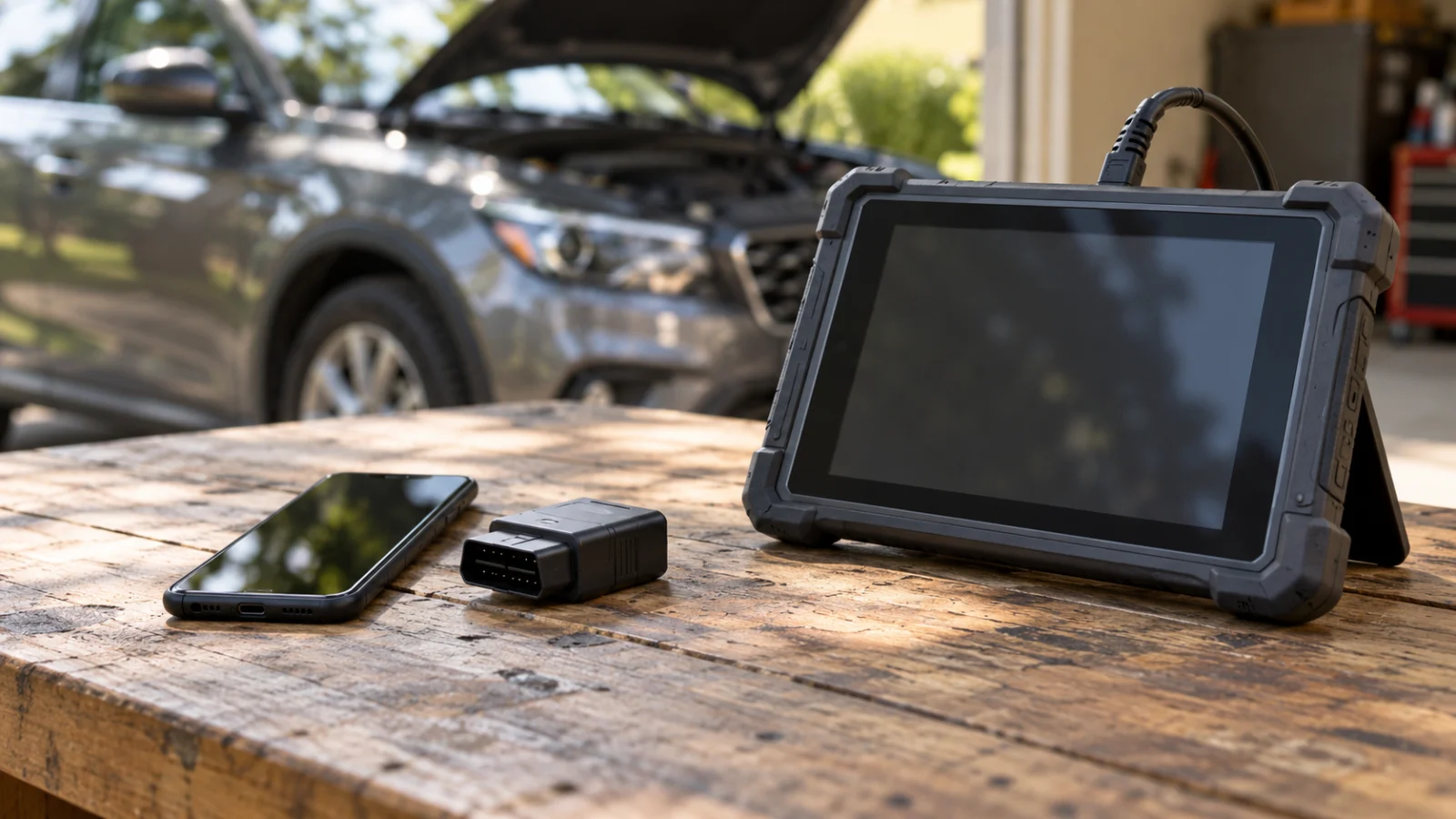
A phone-based diagnostic system has several independent dependencies: the adapter’s supported communications, the host operating system, the selected application, and any vehicle-specific data or feature entitlement. A successful Bluetooth connection confirms only part of that chain. The app can recognize an adapter while still lacking the enhanced module or operation you want. Read the support information for the actual combination, rather than combining the broadest claims from several separate product pages.
Also check how the application saves information you need to retain. A screen that displays a value is not automatically a recorded log, a shareable report or an export that keeps units and timestamps. Those distinctions matter if you want to compare an intermittent fault across visits or give a technician a useful record. A dedicated tablet can package more of the workflow together, but its own report and recording functions still need model-level confirmation. Choose the complete working system, including its support requirements, rather than treating the adapter and the tablet as interchangeable purchases.
Frequently asked questions
Can OBDLink MX+ read ABS and SRS codes?
It can offer enhanced OEM diagnostics on supported vehicles through its app ecosystem. The exact make, model and module must appear in supported coverage. Generic OBD2 compatibility alone is not enough.
Can an OBDLink adapter replace a bidirectional scan tablet?
Not universally. Any active-test support depends on the app and exact vehicle. Don’t equate access to enhanced data with the ability to command actuators.
Is a tablet automatically more accurate?
There is no evidence here for that claim. Accuracy and usefulness depend on the source data, actual vehicle communication, software and operator interpretation.
What about offline use?
Both product types may have operations that work without a continuous connection and other features that require online access. Check each software’s published conditions; do not assume a universal rule.
Final recommendation
Choose an OBDLink MX+ for a documented app-based diagnostics use case, and choose a dedicated tablet when there is a verified service function or workflow that requires one. This is a function-matching decision, not an automatic price or brand ranking.