GM GDS2 vs Aftermarket Scan Tools: Diagnostics, Software and MDI2
In this guide
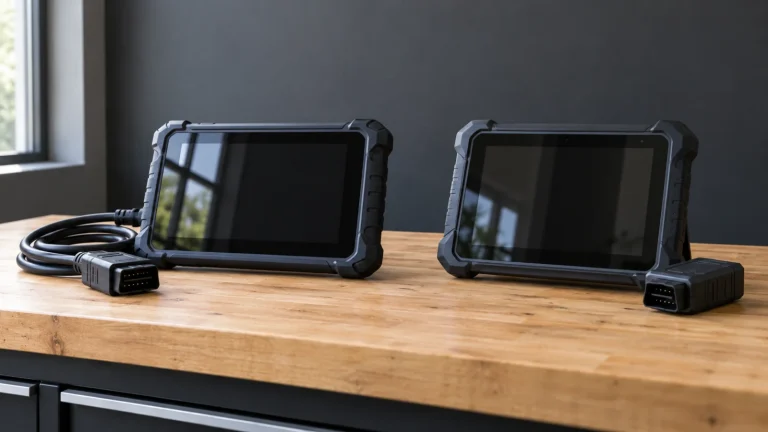
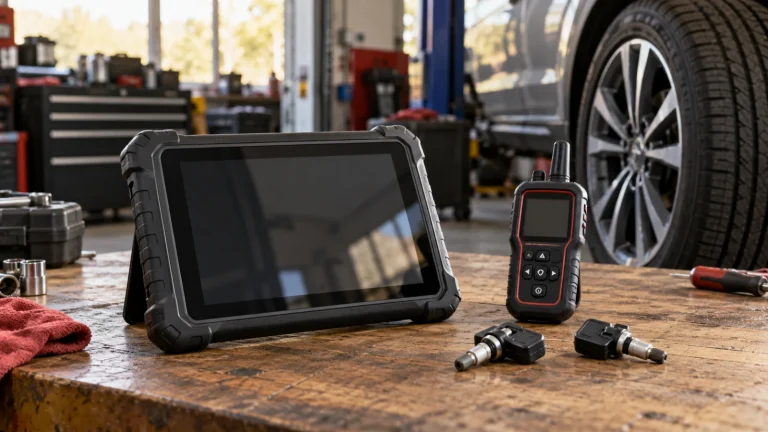
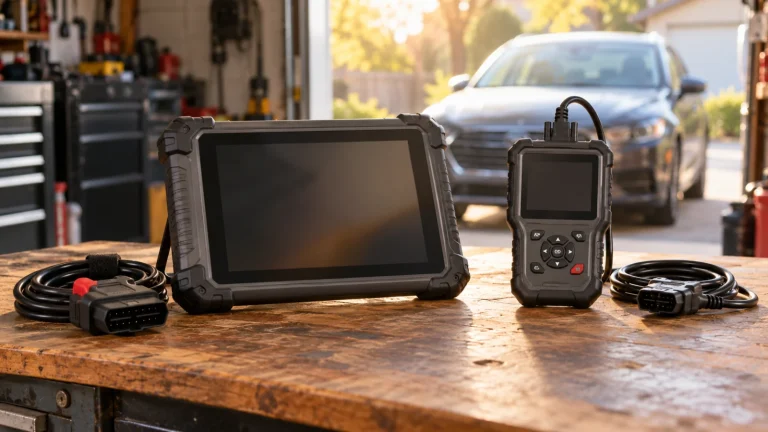
A scan tablet that promises “GM all-system coverage” and GM’s Global Diagnostic System 2 (GDS2) do not represent the same purchase. The first is a general-purpose product with aftermarket coverage. The second belongs to General Motors’ official service-software ecosystem. Buyers need to understand the distinction before purchasing hardware or assuming a feature works on a Chevrolet, GMC, Buick or Cadillac.
Affiliate disclosure: As an Amazon Associate I earn from qualifying purchases.
Quick answer: For a known routine scan task, a verified aftermarket scanner may be enough. For a factory-specified diagnostic or module-service workflow, investigate the applicable GM software and supported communication interface. Neither “GDS2 compatible” nor “GM coverage” establishes the right to perform programming or access every protected function.
The official GM diagnostic ecosystem
GM identifies Techline Connect as its internet-based service platform for calibrations, diagnostic applications and scan-tool hardware updates. Its professional support pages describe GDS2 and Tech2Win among the diagnostic software tools; MDI2 is part of the supported interface environment. GM’s published technical sheet says GDS2 can read codes, show freeze-frame and module information, record data and perform certain control functions on supported vehicles. It describes 2014-and-newer GM model support for GDS2, while earlier-year coverage is not a blanket yes/no proposition.
The software names can cause confusion. GDS2 concerns scan-tool diagnostics. SPS/SPS2 belongs to the programming/calibration side of the OEM workflow. Tech2Win supports some legacy work. Techline Connect coordinates access to these services, but having the installer on a laptop does not mean every service is licensed, supported or authorized.
Purchase decision at a glance
| Buyer question | Aftermarket tablet | GM OEM software ecosystem |
|---|---|---|
| Read generic powertrain codes | Common, if compliant | Possible within the relevant OEM diagnostic workflow |
| Read GM-specific modules | Must verify vehicle/module | Supported modules depend on OEM application and year |
| Enhanced bidirectional controls | Exact function and VIN matter | Available where GM prescribes it |
| Factory calibration/programming | Not established by “active tests” | Separate OEM procedure, entitlement and interface |
| Operating platform | Usually integrated handheld/tablet | Computer, software and supported interface |
| Cost certainty | Hardware + possible update renewals | Hardware + subscriptions, service information and setup |
An expensive aftermarket tablet may be well suited to routine diagnostics across several vehicle makes. Conversely, it may not be the correct instrument for a specific GM factory-programming procedure. A business servicing one GM platform repeatedly has different needs from a one-car owner who simply wants a code report.
Scenario: used Chevy with multiple module faults
A prospective buyer may want an all-system scan showing ABS, SRS and transmission codes in addition to emissions data. A suitable aftermarket product could be helpful, but only if GM system coverage for that model year is independently verified. A generic reader’s “no codes” result may say little about systems it cannot address. Our used-car scanner guide explains why a scanner cannot prove a vehicle’s overall mechanical condition.
If there is a communication issue, the limitation may be the adapter, vehicle electrical supply, software, gateway, or a module fault. Do not assume that buying GDS2 itself fixes a no-communication issue. First record the modules that respond, the exact symptoms, and what the service information expects.
Scenario: a shop replacing an electronic control unit
A factory programming job may require current calibration files, supported hardware, stable power supply, authorization, service information and a correctly trained operator. GM’s service resources direct technicians to its official diagnostics and programming ecosystem; an “ECU coding” claim on an aftermarket scanner is not evidence of OEM software flashing. We do not provide module-flashing instructions here. The pass-through versus active-test guide explains why the hardware categories must not be confused.
MDI2 versus the scanner display
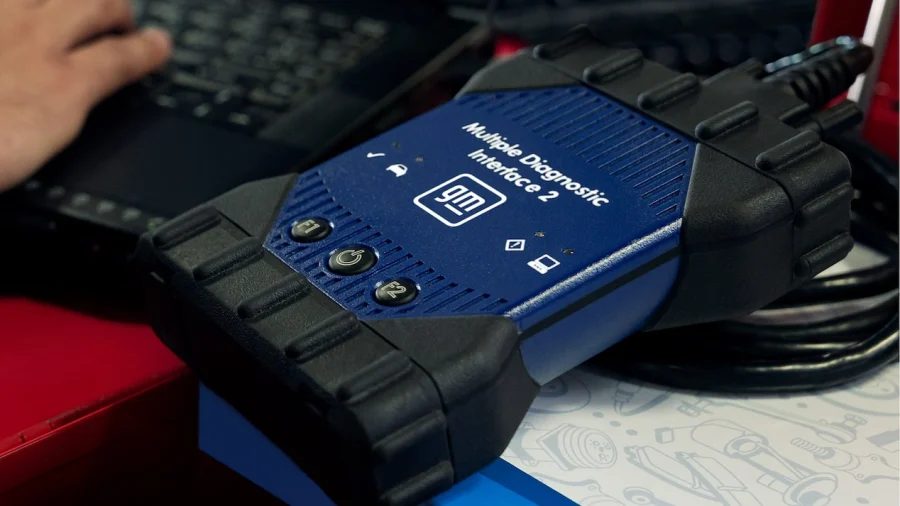
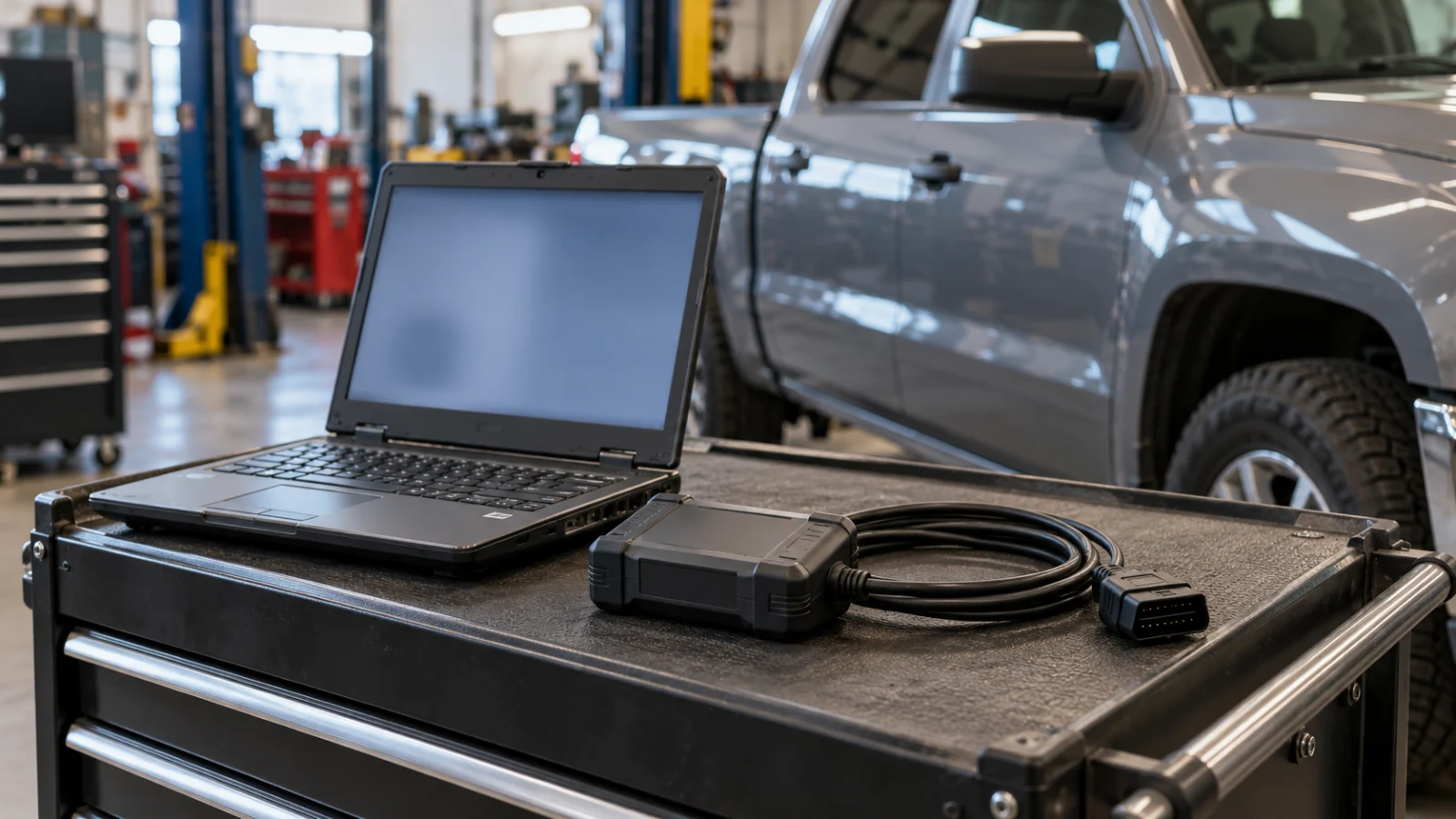
MDI2 is a vehicle communications interface, not a standalone replacement for licensed GM software. A buyer who sees the device sold on its own should confirm that it is genuine, compatible with the intended software, and supported in the intended region. The computer, subscriptions and service information may be additional purchases. Be especially cautious with used interfaces or bundles that imply transferable subscriptions or preinstalled software without authoritative proof.
For aftermarket tablets, by contrast, the communications hardware is typically integrated or paired with a proprietary VCI. Check the correct VCI model, account activation, software entitlements, and whether a replacement is obtainable. Read replacement VCI compatibility before buying a tablet with missing accessories.
Buyer worksheet
Record: exact GM vehicle and year; function required; whether the task is diagnostic, service reset, configuration or programming; current GM software specified by the procedure; approved interface; available authorized subscription; whether the job involves security-sensitive access; and the buyer’s level of technical qualification. If you cannot answer the software/function question, stop shopping and find the repair procedure first.
Pricing is not quoted because GM’s licensing and hardware packages may change, and a valid comparison would require date-specific US offers. Amazon.com listings of generic “GM diagnostic” tools should not be treated as manufacturer-authorized access to Techline Connect.
Three questions that reveal the right equipment tier
Are you reading faults or performing a repair procedure? If the goal is reading a supported engine code, an aftermarket scan tablet may offer an affordable starting point. If the task is a GM-specific setup or an output control procedure, the relevant OEM or aftermarket coverage document must name the exact vehicle and function. A scanner that recognizes the module is not necessarily authorized to change its configuration.
Does the job need a live OEM subscription? The GM ecosystem is not just an MDI2 device. Techline Connect is a service platform with diagnostic software, calibration and service-information components. The cost depends on the authorized package, not a universal one-time “GM diagnostic license.” Obtain a dated quote from the official portal. Do not use a historic PDF price as if it were current.
Is the car covered by GDS2 or legacy software? GM’s own documentation describes different diagnostic programs and varying earlier model-year support. A seller’s “all GM” advertisement hides this distinction. For a mixed-vehicle shop, list the actual model years and prescribed software applications before paying for hardware. For a single older car, do not buy a modern OEM interface until you know which software supports its modules.
A useful equipment purchase starts with a written list of repairs the tool must accomplish this year. Assign each task to a supported software function and hardware combination; only then compare total costs and seller authenticity.
Check GM’s current application and vehicle requirements before purchasing a subscription or interface. A service-information subscription, diagnostic application and programming entitlement are different items. Confirm which ones the vehicle’s prescribed operation requires; installing Techline Connect alone does not establish access to every supported service.
FAQs
Does GDS2 work on all older GM vehicles?
No blanket claim is appropriate. GM documents model-year distinctions and the coexistence of legacy tools and applications. Check the exact VIN and OEM coverage.
Will MDI2 work without a software subscription?
Possessing a physical interface does not establish access to the full software workflow. Check GM’s current terms and license requirements.
Is reading an ABS code the same as factory programming?
No. Fault reading, active tests and calibration programming are separate tasks.
Conclusion
Choose according to the verified GM operation, not a “dealer-level” slogan. An aftermarket scanner may offer better value for occasional multi-brand diagnostics; the official GM environment belongs to factory-prescribed work and brings additional software and process requirements.