BMW ISTA vs OBD2 Scan Tools: When Factory Diagnostics Matter
In this guide
A BMW owner searching for a scan tool can encounter three entirely different product categories: an inexpensive emissions-code reader, a BMW-aware aftermarket scanner, and ISTA, BMW’s factory diagnostic environment. They share the word “diagnostics,” but the functions, access requirements and intended users differ markedly.
Quick verdict: Start with the least complex tool that verifiably performs the required job. A generic code reader can answer basic emissions questions; a BMW-aware tool can provide useful enhanced functions where supported. ISTA matters when the job specifically requires BMW’s technical procedures, fault-guided test plans or authorized programming workflow. No aftermarket product should be described as an equal substitute for all ISTA capabilities.
What BMW itself says ISTA does
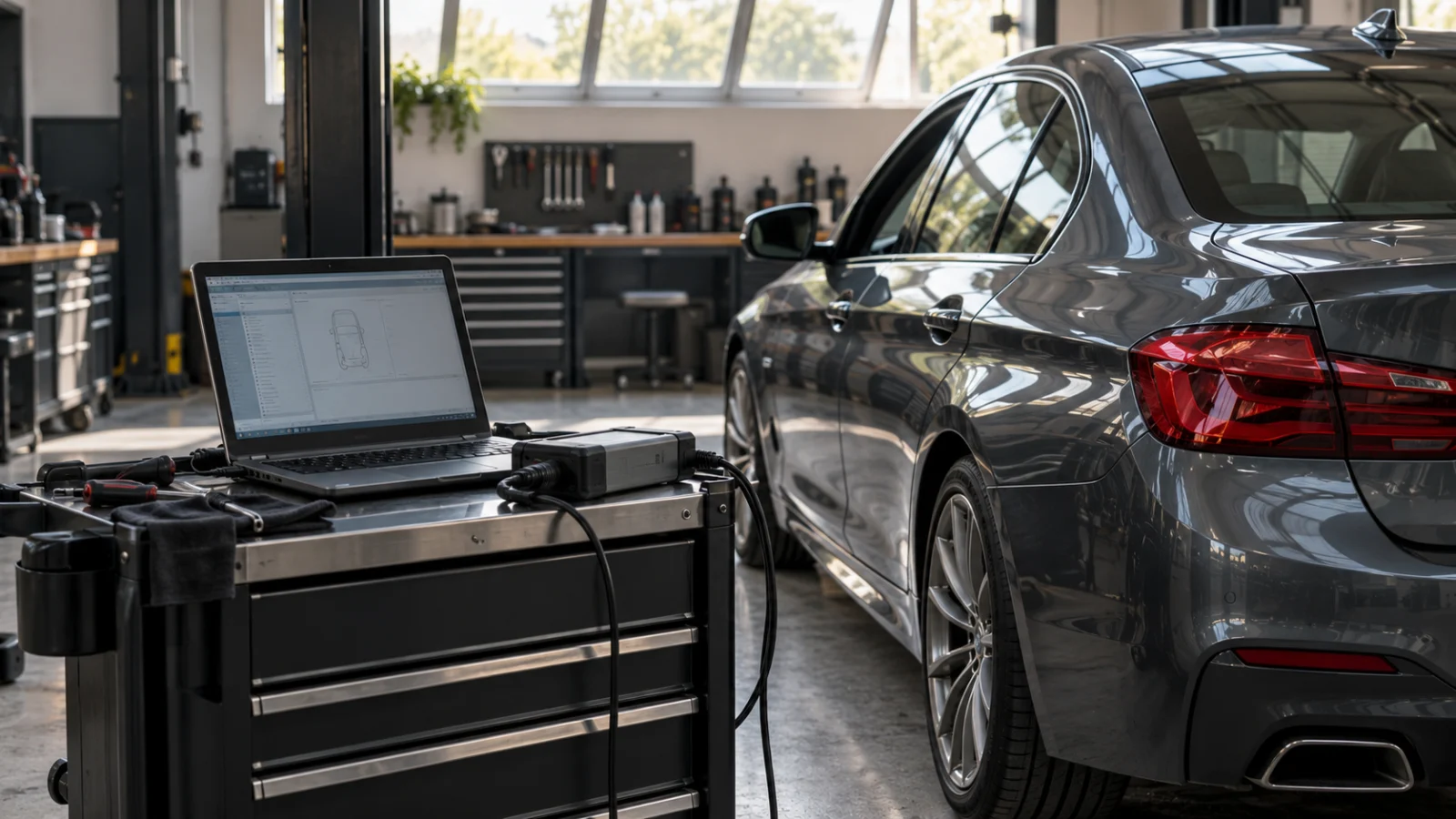
BMW’s North American technical information documentation identifies ISTA as a diagnosis and programming application with fault-code diagnosis, test plans, repair instructions, technical data and wiring diagrams. BMW also specifies different software tools for vehicle generations; its reference material identifies ISTA for integrated programming on F and G series and newer cars, with ISTA/P relevant to certain older generations. Those are professional-service distinctions, not instructions to perform ECU programming without appropriate training.
BMW’s AOS access may require an account, subscription, current PC requirements and approved vehicle interface. BMW’s official TIS portal publishes subscription terms; do not assume a tool marketed as “BMW compatible” provides that access. The software is part of a controlled workshop environment, not a free feature embedded in any OBD adapter.
What a basic OBD2 scanner can and cannot show
A generic emissions reader can display supported DTCs, freeze-frame records and readiness monitors. It may provide useful early clues about an engine warning lamp. But some BMW problems live in body, chassis, restraint or other modules not exposed through the standardized emissions interface. A “no codes” report from a generic reader is not proof that every vehicle system is fault-free.
If you need to monitor BMW-specific battery registration or a service adaptation, the scanner manufacturer must prove support for the exact model, year and function. That is a different purchasing decision from ordinary code reading. Our battery registration guide explains why battery registration and battery coding are not interchangeable labels.
How to compare the three options
| Task | Generic OBD2 reader | Enhanced BMW-compatible tool | BMW ISTA |
|---|---|---|---|
| Emissions DTCs and readiness | Typical supported capability | Usually included where supported | Through BMW’s diagnostic environment |
| BMW-specific modules | Not guaranteed | Varies by coverage database | Manufacturer-directed access |
| Guided tests and service information | Not generally included | Selected guidance may exist | Core part of manufacturer workflow |
| BMW-specific adaptations | Not guaranteed | Verify exact function | Supported OEM procedures |
| Programming and calibration | Not established | Do not infer from coding marketing | Qualified OEM workflow with correct access |
| Ownership cost | Adapter and app | Hardware, optional updates | Interface, computer, subscriptions and technical support |
No column guarantees a function on a particular BMW. Model generation and authorized access can change what is technically available.
A common BMW purchase trap: coding versus programming
“Coding” can mean modifying certain configuration values or telling a module about vehicle equipment. “Programming” can refer to loading a control-module software update. A scanner that advertises configuration or a battery reset is not thereby approved for BMW calibration flashing. Confusing the two can lead to unsupported procedures or module failures. Follow the exact BMW repair process for programming and security-sensitive operations.
Another trap is software provenance. Marketplaces offer interfaces advertised as BMW ISTA bundles, but this does not automatically prove legitimate software licensing, current files or access to BMW’s official service systems. Verify the source of software and hardware, especially for used or imported equipment.
Which buyer needs which level?
For an owner whose goal is to understand a check-engine light, it may be wasteful to start with BMW’s factory ecosystem. A reader with trustworthy standardized diagnostics can be enough to decide whether further service is needed. For someone maintaining an older BMW over years, a vehicle-specific aftermarket tool may provide convenient enhanced access—subject to exact coverage evidence and software maintenance.
For an independent workshop regularly completing factory-prescribed BMW diagnostic plans and programming procedures, the cost and requirements of authorized BMW software can be justified. The result may require a qualifying interface, suitable power-supply arrangements and trained personnel. This is a professional process, not a consumer quick-fix.
Buying and compatibility checklist
Document the VIN, chassis series, model year, market, problem or repair operation, affected module, diagnostic tool, software version and required interface. If you need programming, document the BMW-prescribed route rather than assuming a universal J2534 device will do every job. If buying a handheld, obtain the maker’s written vehicle-function confirmation. Compare current subscription fees only after the required features are established.
A broad BMW coverage claim does not establish support for a particular airbag operation, brake function or module update. Our scanner compatibility checklist helps define the needed function, while the J2534 comparison separates programming interfaces from ordinary diagnostic commands.
A practical buyer profile comparison
Occasional owner: If a fault light appears once every few years, first identify whether standard OBD-II data is enough to understand the situation. A trustworthy reader and a willingness to seek qualified service can be a better purchase than expensive factory software you will not use. Preserve the first fault report before performing any reset so that a workshop receives useful history.
Enthusiast maintaining one BMW generation: A reputable BMW-focused aftermarket app or handheld may cover many practical functions, but the compatibility evidence should name the precise chassis, powertrain and procedure. BMW software generations differ, and a battery registration option does not mean ECU programming is included. Check annual software costs, adapter compatibility and whether updates are needed for your vehicle before investing in hardware.
Independent repair business: BMW’s official AOS/ISTA environment may be relevant when the workshop must follow guided test plans or manufacturer programming and repair instructions. This brings network, PC, interface, subscription and professional training requirements. The BMW North America portal serves its stated region; businesses elsewhere must use their relevant official channel. An overseas software bundle sold as “US ISTA ready” is not a substitute for a supported local account.
These scenarios explain why a broad “best BMW diagnostic tool” ranking can mislead. There is no single best tool until the intended operation, vehicle generation, license and professional context are all stated.
BMW service resources and account eligibility are regional. Buyers outside North America should use the appropriate BMW portal for their market, rather than assuming US subscription terms apply. Check the vehicle generation, required application and supported interface against that region’s current service information.
FAQs
Is ISTA a physical scanner?
ISTA is part of BMW’s diagnostic software environment; it uses appropriate communication hardware and service access.
Can a Bluetooth dongle replace ISTA?
Not universally. The dongle and app may cover selected BMW functions but do not inherently provide factory guided tests or programming.
Does a BMW-specific scanner always do battery coding?
No. Registering a new battery and coding battery characteristics are different requests. Verify both separately for the vehicle.
Final assessment
The correct answer depends on what you are trying to accomplish. Generic OBD2 for basic emissions data, verified enhanced tools for selected BMW functions, authorized ISTA for the BMW-prescribed factory workflow is a more reliable hierarchy than marketing promises about “dealer-level” products.