OBD2 Mode 6 vs Live Data: When Monitor Test Results Help
In this guide
A scan tool may show an engine light, live sensor measurements and a menu called Mode 6. These are different views of a vehicle’s diagnostic system. Misunderstanding them can lead a buyer to choose a scanner with impressive-looking graphs that do not answer the intended question—or to interpret a monitor value as a final diagnosis.
Quick explanation: Live data describes changing parameters while a system operates. Mode 6 reports supported onboard monitor test results for systems that are not continuously monitored, as defined in the traditional SAE J1979 diagnostic mode framework. Freeze-frame data records certain circumstances associated with a fault; readiness status says whether required monitor evaluations have completed. Each provides different evidence.
Standard diagnostic data categories
| Feature | Main purpose | Common misunderstanding |
|---|---|---|
| Mode 01 current data | Supported current operating parameters and status | Every ECU/sensor is shown |
| Mode 02 freeze frame | Snapshot associated with a fault | A continuous history log |
| Mode 03 fault codes | Standard emissions-related confirmed DTC information | Full vehicle health inspection |
| Mode 06 test results | Supported onboard monitor test outcomes | A live waveform for all sensors |
| Readiness status | Whether eligible emissions monitors completed | A complete diagnosis of engine health |
| Manufacturer enhanced data | Vendor-specific deeper information | Guaranteed by generic OBD2 compliance |
SAE J1979 documents the traditional emissions diagnostic service modes and their purpose. Tool interfaces may label them differently or translate technical test IDs into human-readable descriptions; it is important to know which standard and vehicle protocol apply. Newer diagnostic systems may implement different emissions reporting services, so do not assume every car exposes an identical Mode 06 menu.
What Mode 6 can add
Suppose a driver has intermittent emissions problems without a stable check-engine light. Supported monitor test results may provide additional context about evaluations that have run. For certain vehicles, the tool may display a test ID, result and threshold or status. That is potentially useful, but its meaning depends on the OEM mapping and monitoring logic. Generic numbers with no explanation should not be turned into a verdict about a failing component.
If a test has not run or a monitor is incomplete, a missing result may simply mean the applicable test conditions have not been satisfied. Similarly, a test value near a limit is not a guarantee of imminent failure. Manufacturers can change monitor thresholds and identification, and some results require specialized reference information for correct interpretation.
Why live data isn’t the same
A live PID may display current coolant temperature, calculated load or another supported operating value. Watching how it changes can help document a symptom when the vehicle is operated safely. But live data is not necessarily a measurement of a component’s health; it can be computed, filtered or limited in update frequency by the ECU. Selecting too many PIDs can also reduce how often each value is refreshed on certain tools. The scanner itself cannot guarantee that a displayed value is the ground truth without further diagnostic checks.
Our live-data interpretation guide explains why graphs and raw values need operating context. Mode 6 adds a different dimension: a report of certain onboard self-test results, not a substitute for continuous signal analysis.
What readiness monitors tell you
Readiness indicates whether required emissions-related evaluations have completed since a reset, not whether a vehicle is mechanically sound. Clearing diagnostic data or disconnecting a battery can reset some monitors and change what an inspection program sees. The EPA has documented how incomplete monitor status can follow a reset or failure to meet the required conditions, as well as other causes. State inspection rules differ, so never offer a blanket pass/fail number without the relevant jurisdiction and vehicle criteria.
If you are evaluating a used car, capture the monitor state before clearing anything. A recently reset system can conceal useful diagnostic history. An all-green dashboard on a basic reader does not prove that non-emissions modules or other mechanical systems have been examined.
Choosing a scanner for Mode 6 work
Ask the manufacturer whether it displays raw Mode 6 IDs, interpreted test names, minimum/maximum information where available, and exportable records. A scanner that merely lists the menu may be less useful than one with reliable translations and documentation. Conversely, a tool may show a wide selection of raw tests but still require OEM service information to interpret them correctly. For serious diagnostics, access to explanatory data matters more than a large number of fields.
If choosing between a consumer Bluetooth adapter and a professional tablet, verify whether the chosen app—not just the adapter—supports the specific diagnostic service on your car. The price of the tablet does not establish that it labels monitor IDs correctly for your exact model and software version.
Example review workflow without guessing the diagnosis
First record the check-engine lamp status and all fault codes. Save the freeze frame, live-data context and readiness state. Review supported Mode 6 results using correct vehicle-specific references, noting that a missing or incomplete test is not an automatic pass or fail. If a fault points toward safety-critical or emissions-related repair, consult the manufacturer service information or a qualified technician. Do not clear codes solely to make a screenshot appear clean.
| Evidence | Record |
|---|---|
| Vehicle and ECU/software ID | Year/model and known module details |
| Stored/pending/permanent codes | Exact code and status |
| Freeze frame | Conditions when captured |
| Readiness | Complete, incomplete, unsupported |
| Mode 6 test | ID, interpretation source and result |
| Live data | PIDs and operating conditions |
| Follow-up | Factory service checks required |
Reading a Mode 6 example in context
Consider a scan report showing a completed emissions monitor, a test identifier and a numeric result. To interpret that result, you need the applicable test definition, units and limits. A generic reader may leave the identifier untranslated, while a more expensive tool may provide a label that still needs to match the vehicle. One passing test does not establish that the entire system is healthy.
A second example concerns a car with a recent battery disconnect and incomplete readiness monitors. An owner might conclude the vehicle has failed a repair, although a monitor can remain incomplete simply because its operating conditions have not been met. The correct next step is to consult the vehicle and inspection requirements, not to clear codes again to force the display to green. Different states apply different readiness rules, and the presence of permanent DTCs can affect inspections.
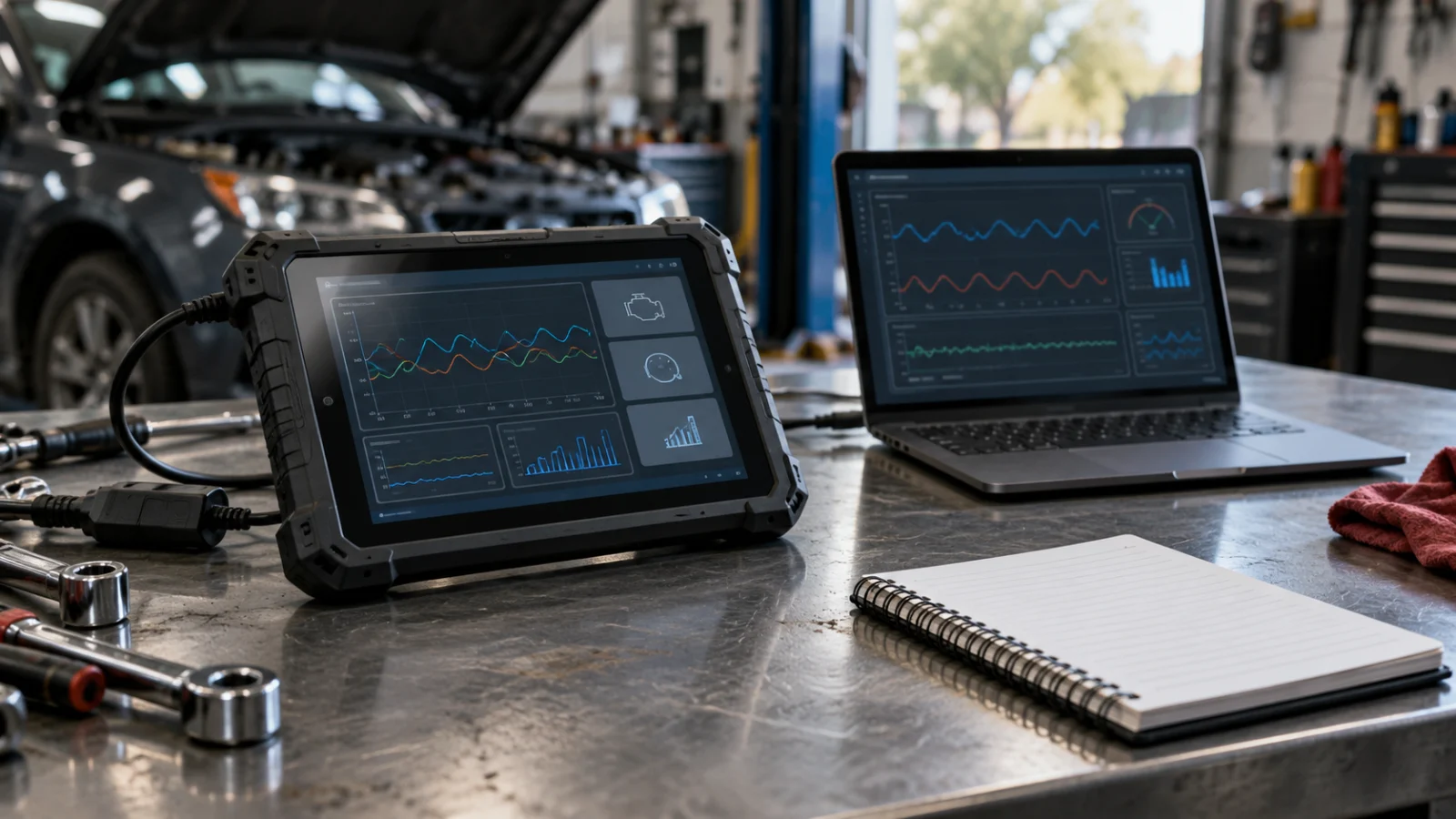
A useful review of a scanner’s Mode 6 support should therefore include: whether it identifies supported test IDs, whether it displays current and limit values where provided, whether labels are validated, how it reports unavailable tests, whether it preserves the original data and whether exported reports retain units and timestamps. These features are more informative than counting how many graphs appear in the product photos.
FAQs
Can Mode 6 identify a bad oxygen sensor by itself?
No universal conclusion is warranted. Results require manufacturer-specific interpretation and corroboration.
Will every generic reader show useful Mode 6 data?
Not necessarily. The vehicle must support the result, and the app has to display it meaningfully.
Can clearing codes make readiness “ready”?
Usually clearing diagnostic information can reset monitors, not complete them. Follow legitimate repair and inspection requirements.
Conclusion
Mode 6 is an additional source of supported monitor evidence, not a magic diagnosis engine. Compare scanners by their ability to preserve, explain and export relevant information rather than by a generic “advanced diagnostics” label.