OBDLink EX vs MX+ for FORScan: Which Adapter Fits Your Setup?
In this guide
A FORScan adapter is not simply an OBD2 plug with a different price tag. The software version, computer or phone, Ford network access and the operation you intend to perform determine which interface fits. Two commonly considered devices, OBDLink EX and OBDLink MX+, were designed for different workflows.
Affiliate disclosure: As an Amazon Associate I earn from qualifying purchases.
This comparison relies on OBDLink and FORScan’s published guidance. No speed test, compatibility test, or vehicle programming was performed for this article.
Quick verdict: Choose OBDLink EX for a wired Windows FORScan setup. MX+ also works with Windows FORScan, alongside supported phone apps. Match the app edition and intended task before buying; wireless convenience does not establish suitability for firmware work.
What the manufacturers actually document
| FORScan use | OBDLink EX | OBDLink MX+ |
|---|---|---|
| Host connection | USB | Bluetooth; Windows, iOS and Android |
| Windows diagnostics and configuration | Listed by FORScan | Also listed by FORScan |
| Windows programming recommendation | Listed for supported CAN programming | Not in FORScan’s programming recommendation |
| FORScan Lite on iOS/Android | Not recommended in FORScan’s adapter table | Listed for diagnostics on both |
| Ford HS-CAN/MS-CAN | Electronic switching documented by OBDLink | Both networks supported |
| Vehicle functions and licensing | Check exact procedure, vehicle and software entitlement | Check exact procedure, vehicle and software entitlement |


The FORScan developer’s adapter table separates diagnostics, configuration and programming. Its USB preference is a reliability recommendation, not a statement that MX+ is mobile-only. Configuration changes and module firmware updates are different operations.
Choose the app edition, then the connection
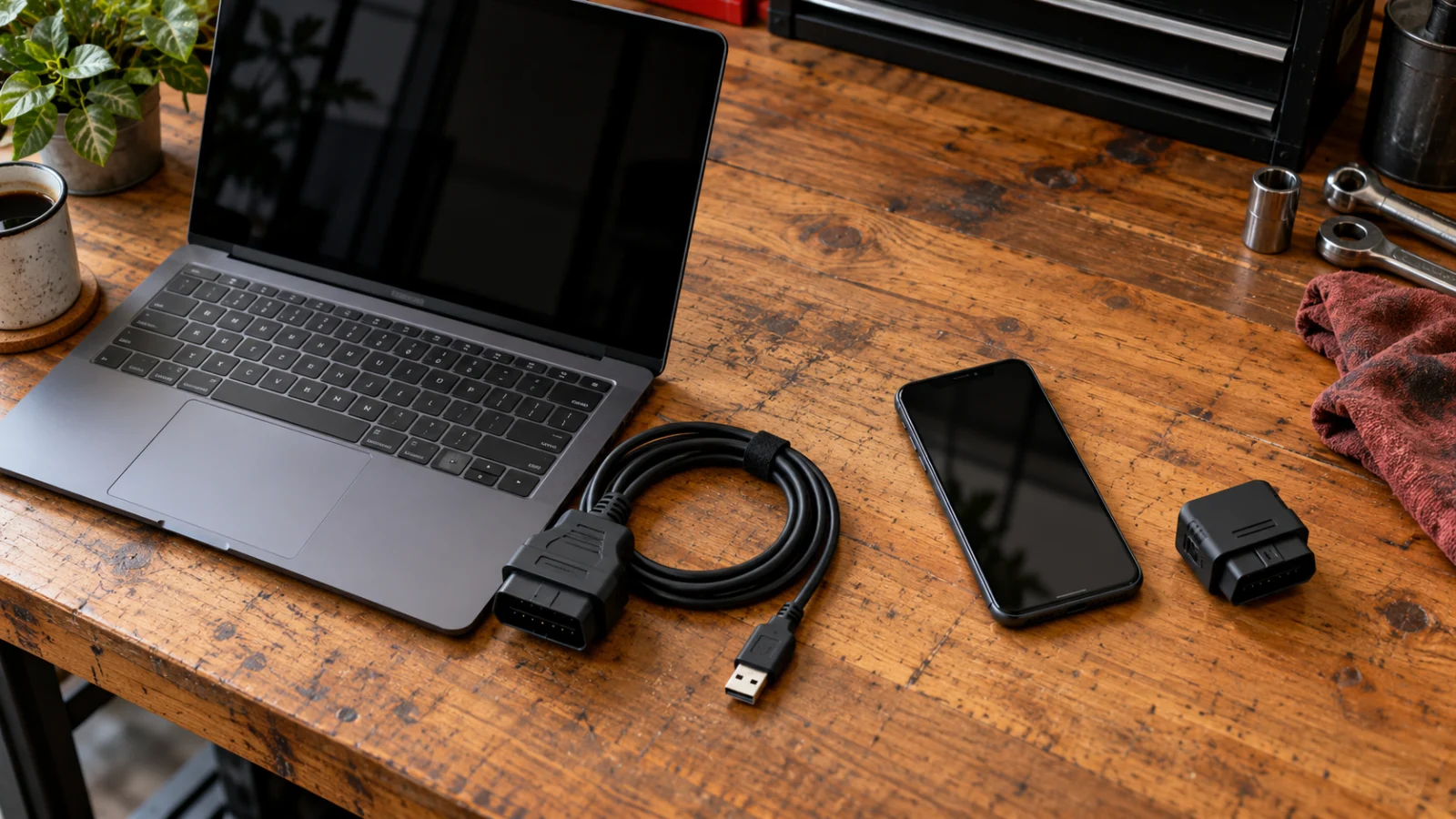
Someone carrying an iPhone to read an engine code is solving a different problem from someone using a workshop laptop to investigate a Ford body-control module. The first buyer needs a supported Bluetooth connection and a useful app. The second needs a connection that FORScan for Windows recognizes and that can access the appropriate Ford network reliably. MX+ can serve a supported Windows session as well as a phone workflow. The application edition determines the available features; a USB connection alone does not turn a device into an iPhone tool.
Write down the host device first: Windows laptop, Android phone, or iPhone. Then name the app and its edition. Verify that exact combination on the software author’s current supported-hardware page. If a listing merely claims “works with FORScan,” ask whether it means desktop FORScan, FORScan Lite, reading faults, or advanced configuration.
That hardware decision is separate from choosing FORScan or Ford FDRS. A compatible adapter for one application’s diagnostic work does not establish that it supports the factory software and procedure needed for a different job.
Why Ford CAN buses matter
Many Ford vehicles distribute systems across different controller networks. A general emissions reader may communicate with a powertrain system while missing modules behind another network. OBDLink EX advertises electronically managed access to Ford HS-CAN and MS-CAN; FORScan’s adapter discussion warns that mechanically switched adapters can be unsuitable when an operation needs simultaneous access to multiple networks. The practical issue is not that every older adapter is useless—it is that “can connect to the car” and “can perform the requested network-spanning procedure” are distinct claims.
For a buyer interested in body modules, instrument clusters or supported service functions, make network coverage a purchase criterion. For reading generic emissions-related codes, the same advanced network access may not justify a dedicated interface. Read our scanner compatibility guide before paying for a specific function.
Connection reliability and risk
Wired USB removes the Bluetooth pairing step, but it does not eliminate cable damage, outdated drivers, weak vehicle power, or incompatible software. OBDLink’s October 2026 support instructions describe driver troubleshooting for EX and explain the adapter’s status LED. A wireless tool avoids a cable to the computer but adds pairing, host compatibility and wireless connection state to the troubleshooting chain. OBDLink’s support documentation also warns that competing applications may prevent the adapter from connecting because it cannot serve multiple apps simultaneously.
For ordinary data viewing, a temporary connection interruption can be inconvenient. For a programming operation, consequences can be much more serious. The software developer’s recommended adapter, uninterrupted power, supported procedure and repair instructions take priority over the convenience of wireless use. Do not undertake programming from a general buying-guide recommendation.
If the host device cannot communicate with the adapter, work through the adapter connection checks before treating the failure as a FORScan feature limitation.
A decision worksheet before ordering
| Your requirement | Evidence to obtain |
|---|---|
| Exact Ford/Lincoln/Mazda model and model year | VIN-based vehicle details and FORScan compatibility |
| Windows FORScan or FORScan Lite | Current official software support page |
| Read faults only or change vehicle configuration | Exact procedure in FORScan documentation |
| Body module or MS-CAN access | Adapter specifications and software support |
| iOS or Android requirement | OBDLink platform/application list |
| Risk-sensitive programming operation | Professional service instructions and qualified support |
Document the exact OBDLink product identity before buying. EX and MX+ are separate products; do not substitute a similarly named generic ELM327 adapter. A model’s Amazon listing, marketplace seller, accessory bundle and warranty must be verified independently. Check the selected model, seller, accessory bundle and warranty terms at checkout.
Common buying errors
Choosing by connection alone. Check the host, app edition and procedure together. Replacing an adapter will not add a missing software function or license.
Buying a mechanical-switch adapter without checking the procedure. Some FORScan operations may require simultaneous network access; confirm whether an automatic switch is necessary.
Assuming EX is a universal coding license. EX is hardware. FORScan licensing, vehicle support, secure access and the actual operation still matter.
Confusing an app’s enhanced diagnostics with OEM programming. If you need manufacturer reprogramming, read J2534 vs bidirectional scan tools and use the authorized OEM process.
Three example buying situations
Situation A: one Ford owner, Windows laptop, module scan. The owner wants to collect a full-module fault report on a supported vehicle. The EX is a logical candidate because its official design emphasizes Windows FORScan and Ford network access. The next step is not checkout: the owner should confirm the model and diagnostic session are supported by the installed version of FORScan, and verify the laptop has an available USB connection. Add the cost of a reliable laptop and software entitlement to the comparison; it is easy to underestimate the “cheap adapter” setup when a computer is not already owned.
Situation B: a driver wants phone-based information. The buyer uses an iPhone and mainly needs a compatible mobile dashboard. An EX cannot be recommended merely because it has stronger desktop FORScan marketing. MX+ and a suitable mobile app may meet the goal; check the exact iOS app and supported vehicle functions first. A phone-friendly adapter can be the better choice for that daily workflow, even when a cable suits a separate laptop task.
Situation C: configuration or service work is intended. An owner has read a forum instruction for changing a body-module setting. At this point adapter choice is secondary to confirming that the specific function is permitted, supported and safe. Record a backup of applicable configuration information where the software and service documentation prescribe it. If the operation can render a module inoperative or requires security credentials, use professional service rather than experiment with a freshly purchased interface.
FAQs
Can OBDLink EX read ordinary OBD2 codes outside Ford vehicles?
The manufacturer describes broader OBD-II compatibility, but its distinct advantage is its FORScan-oriented Ford network support. Check supported apps and the exact vehicle.
Does OBDLink MX+ work with Windows as well as an iPhone?
Yes. Check the Windows and FORScan Lite requirements separately; their feature sets differ. The table above identifies the developer’s recommended uses.
Can I leave either adapter installed permanently?
Evaluate security, device power-saving behavior, physical clearance and the vehicle manufacturer’s advice. Avoid leaving a dongle where it interferes with driving or permits unwanted access.
Final recommendation
Start with EX when a reliable wired Windows setup is your priority; choose MX+ when verified wireless and mobile flexibility serves your work. Confirm the vehicle, app edition, license and procedure before ordering. Refer firmware or protected operations to the software developer’s current requirements and qualified service support.
Manufacturer and software references
- OBDLink EX official specifications
- OBDLink MX+ official platform and network support
- OBDLink Windows connection guidance
- OBDLink supported third-party applications
- OBDLink adapter selection chart
- FORScan adapter recommendations and network limitations
- OBDLink EX driver guidance, updated October 2026