Toyota Techstream Lite vs Aftermarket Scan Tools: What Do You Need?
In this guide
A Toyota or Lexus owner choosing a diagnostic tool often sees the terms Techstream, Techstream Lite, J2534, and all-system scanner used as if they describe interchangeable products. They do not. Toyota’s technical information portal makes a particularly important distinction: a validated J2534 interface used for reprogramming is not automatically a full diagnostic scanner.
Quick verdict: Investigate an aftermarket scanner when the task is routine fault reading or a documented service function and the exact vehicle is supported. Consider Toyota’s Techstream Lite ecosystem when factory-level diagnostics or a manufacturer-prescribed workflow is required. Neither decision can be made from the adapter’s connector shape or the vehicle’s badge alone.
Three different things buyers confuse
Generic OBD-II diagnostics concerns standardized emissions-related data. A compliant device can read supported powertrain trouble codes and readiness status, but that does not promise access to every Toyota module or active test.
Enhanced aftermarket diagnostics uses manufacturer-specific coverage supplied by a scanner maker. Some tablets advertise ABS, SRS, transmission, battery-registration or bidirectional functions. Coverage varies by year, market, module and software version. Advertising a feature family is not vehicle-level confirmation.
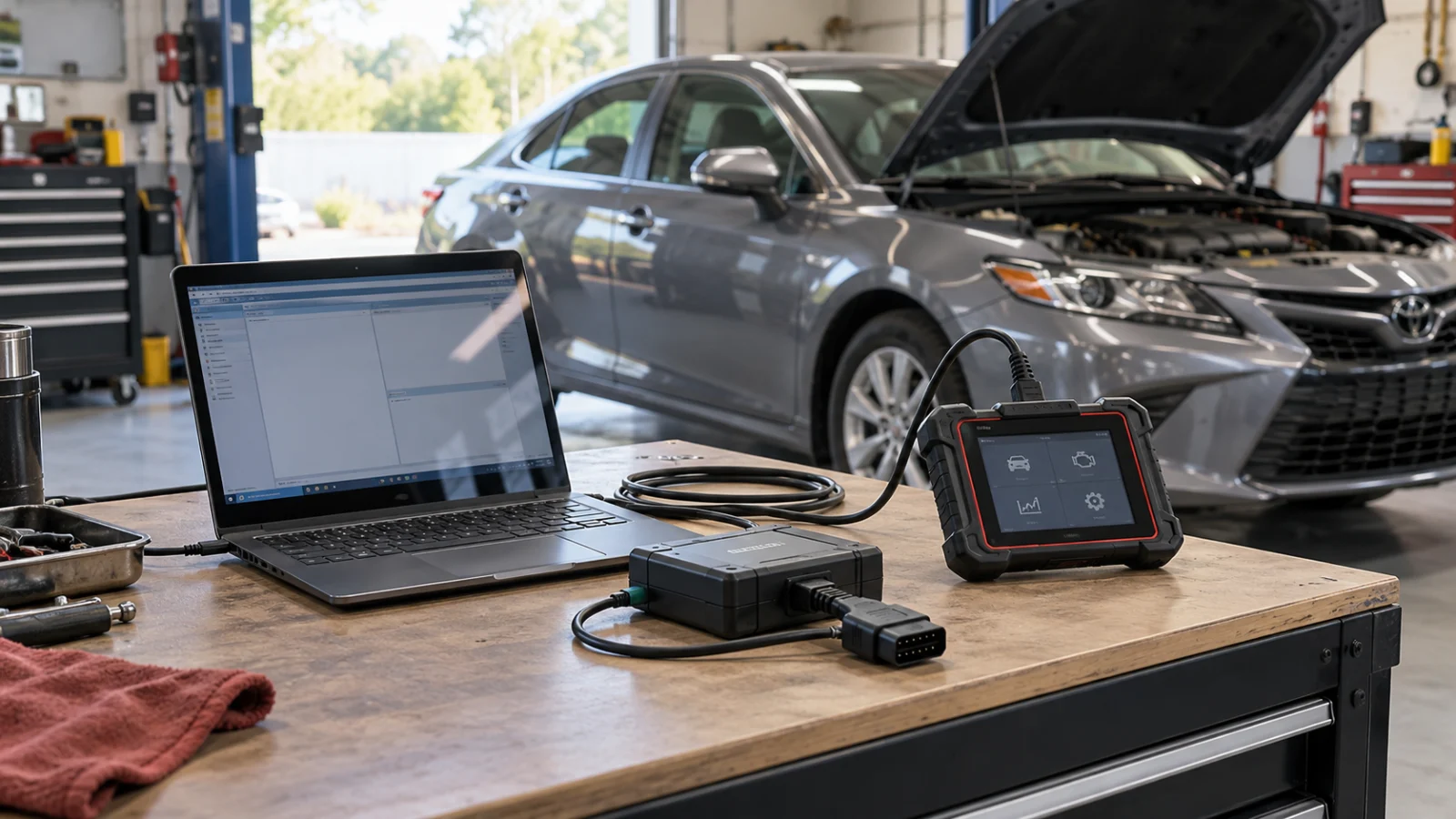
Toyota Techstream Lite is Toyota’s PC-based Techstream diagnostic route for eligible Toyota, Scion and Lexus vehicles. Toyota says Techstream Lite supports diagnostic functions through DLC3/J1962 on North American vehicles from 1996 onward and requires an active professional-level subscription. Vehicle-specific legacy connectors and supported operations require their own checks.
Compare the actual purchase requirements
| Requirement | Aftermarket scan tablet | Techstream Lite | J2534 reprogramming-only interface |
|---|---|---|---|
| General code reading | If supported | Within Toyota platform coverage | Not necessarily |
| Toyota enhanced module diagnostics | Varies by vendor and vehicle | OEM diagnostic environment | Not by hardware alone |
| Active tests/service routines | Vendor- and vehicle-specific | Toyota’s supported software and service procedures | Depends on separate software |
| ECU reprogramming | Not implied by bidirectional features | Possible in prescribed Toyota workflow | Only with authorized calibration software/subscription |
| Software fees | Maker-specific | Active professional subscription | Professional TIS access needed for calibration |
| Purchase risk | False feature claims and wrong region | Subscription, PC and interface prerequisites | Confusing pass-through with a complete scanner |
Toyota explicitly warns that approved J2534 devices on its reprogramming page only provide reprogramming capability and do not themselves support diagnostic scan-tool functions. That statement prevents a common expensive mistake: buying a pass-through box and expecting a ready-to-use Toyota diagnostic tablet.
A routine diagnostic scenario
Suppose a 2018 Lexus has a stored emissions code and the owner wants live-data context and readiness status. A general reader may answer the first question. If the concern involves ABS, hybrid controls or a manufacturer-specific service procedure, the buyer needs to verify deeper coverage. An aftermarket scanner can be sufficient if its coverage list explicitly names the operation and vehicle, but a vague “Lexus all systems” claim is inadequate.
Write the exact function down before shopping. Is it merely reading a DTC, checking a sensor value, running an active test, registering a battery, or programming an ECU? Those are different technical requirements and different levels of risk.
When an OEM subscription belongs in the budget
Techstream Lite is not simply a cable purchase. Toyota’s site says an active Professional-level subscription is required to use Techstream software. For calibration work, access to the appropriate TIS files and updates is additionally required. Check current PC requirements, region, approved interface, available subscription terms, and Toyota’s applicable service documents before spending money.
Do not use third-party listings for questionable Techstream software bundles as evidence that the buyer receives legitimate activation, current factory files or a supported interface. Software provenance is central to this purchase. Be careful with reused “Techstream Lite kits” that lack the required authorized subscription.
Why reprogramming is different from scanning
A scanner may read a module’s software identifier without being capable of installing a new calibration. Toyota warns that interrupting a flash can permanently damage a control unit and specifically directs the work to qualified technicians following the prescribed information. This article does not provide ECU flash instructions. It explains what a purchaser needs to establish before proceeding.
If a repair shop is reprogramming a module, it should document the Toyota bulletin, VIN, calibration eligibility, validated hardware, power support, correct software access and trained operator. The wrong interface is not only poor value; it may create a repair liability.
Buying checklist for a Toyota/Lexus owner
| Question | Record before buying |
|---|---|
| Exact year, model, engine and market | VIN and service information |
| Requested operation | Name of ECU and task |
| Manufacturer support | Exact diagnostic software/scan tool |
| Required adapter | Version and validated compatibility |
| License/subscription | Authorized current terms |
| Intended user | Owner diagnostics or trained programming technician |
| Total cost | Hardware, software access, cables, support |
Compare options against the same operation, not the size of the software’s brand list. For aftermarket tablet shopping, our compatibility checklist and bidirectional scanner guide provide complementary questions, not a promise of Toyota-specific coverage.
Three Toyota/Lexus buying cases
An owner wants to see why the check-engine light is on. Begin by identifying the diagnostic question and preserving the current code information. Generic OBD-II access may be adequate for emissions DTCs and freeze-frame data. If the code points to a manufacturer-specific system, verify deeper tool coverage rather than assuming every Toyota needs Techstream.
A home mechanic wants a particular service routine. Ask whether the routine is included in the proposed scanner’s current Toyota coverage for that model year. A spec sheet listing “30+ resets” is not enough: the function name may be a broad family label. Toyota’s service information, software and wiring diagrams may still be needed to carry out the procedure correctly. This is especially important for safety-related systems and high-voltage hybrid vehicles.
A workshop planning a calibration update should start with the applicable Toyota bulletin and supported reprogramming route. Techstream Lite and a validated J2534 setup have specific software, interface and access requirements. Toyota warns that an interrupted programming process can damage a controller and directs this work to qualified technicians. Select the complete supported system for the prescribed job, rather than treating a generic cable bundle as an equivalent shortcut.
The deciding evidence is the operation the vehicle requires and the software/interface combination authorized to perform it. Compare that complete setup, its current access requirements and the work involved with the capabilities of an aftermarket scanner.
For a particular repair, use the applicable Toyota service information to identify the supported operation, software and interface. A software license and a physical interface are separate parts of the setup. Confirm both, together with the current professional access requirements, before treating a retailer’s bundle as a complete Techstream system.
FAQs
Is every J2534 cable a Techstream scanner?
No. Toyota explicitly separates reprogramming-only pass-through hardware from a full diagnostic environment.
Can a general OBD2 reader scan Toyota hybrid batteries?
Not by default. Specialized modules, vehicle-specific apps and manufacturer support may be required. Generic OBD-II compliance is insufficient proof.
Is Techstream Lite a one-time purchase?
Toyota’s documentation requires an active professional subscription. Verify current offerings directly from Toyota; do not rely on outdated third-party prices.
Recommendation
Start with the exact repair question. Aftermarket scanners can be sensible for verified everyday diagnostics; Techstream Lite is the factory-oriented route when the operation requires it. Do not buy a J2534 interface alone expecting it to replace either product.