OBD2 Readiness Monitors Before Emissions Inspection: What the Scanner Shows
In this guide
A driver may see no check-engine light but still encounter an emissions-inspection problem because one or more onboard diagnostic (OBD) readiness monitors are incomplete. A scanner’s readiness screen answers a narrow question: Has the vehicle’s OBD system completed its supported self-checks? It is not the same as a certificate that the car will pass inspection.
Quick answer: Read the scanner’s monitor statuses before an inspection, identify any incomplete supported monitors, and follow the vehicle maker’s legitimate operating and repair instructions. Do not clear codes simply to make a dashboard light go away. Clearing codes or disconnecting power can reset monitor readiness and leave the vehicle unprepared for testing. Inspection rules differ by jurisdiction, model year and fuel type.
This article is educational, not legal advice or a universal readiness test. We have not tested a particular vehicle. The regulatory material cited below explains the distinction between monitor status and inspection outcomes; readers must use the current rules for their state and vehicle.
Ready, not ready and unsupported are different
| Status | General meaning | What not to conclude |
|---|---|---|
| Ready / complete | The applicable diagnostic monitor has completed the relevant check | This alone proves the car passes every inspection rule |
| Not ready / incomplete | The supported monitor has not completed its check since its relevant reset or conditions | A component must be defective |
| Unsupported / not applicable | The vehicle doesn’t implement that monitor in the reported configuration | A required system is necessarily missing or failed |
The distinction appears in state inspection guidance associated with EPA resources: readiness means the OBD self-diagnostics have run; it does not mean the vehicle has passed inspection. An unsupported monitor shouldn’t be counted in the same way as an incomplete supported monitor. Always use the specific rules enforced by the inspection program.
Why monitors may become incomplete
A vehicle may have recently had its battery disconnected, diagnostic codes cleared, software changed or repairs performed. Some monitors run only when a particular combination of speed, temperature, fuel level, time or other conditions is met. A driver can therefore have a healthy vehicle with incomplete monitors immediately after repairs or code clearing. Conversely, a fully ready monitor set does not mean the vehicle is free of all problems.
Inspection-program guidance identifies several explanations for incomplete readiness, including a monitor not yet experiencing its enable conditions and vehicle-specific diagnostic faults. It also warns that readiness can be reset by inappropriate fault-code clearing. A useful scanner should allow the owner to view the readiness screen without commanding any erasure.
How to use a scanner responsibly
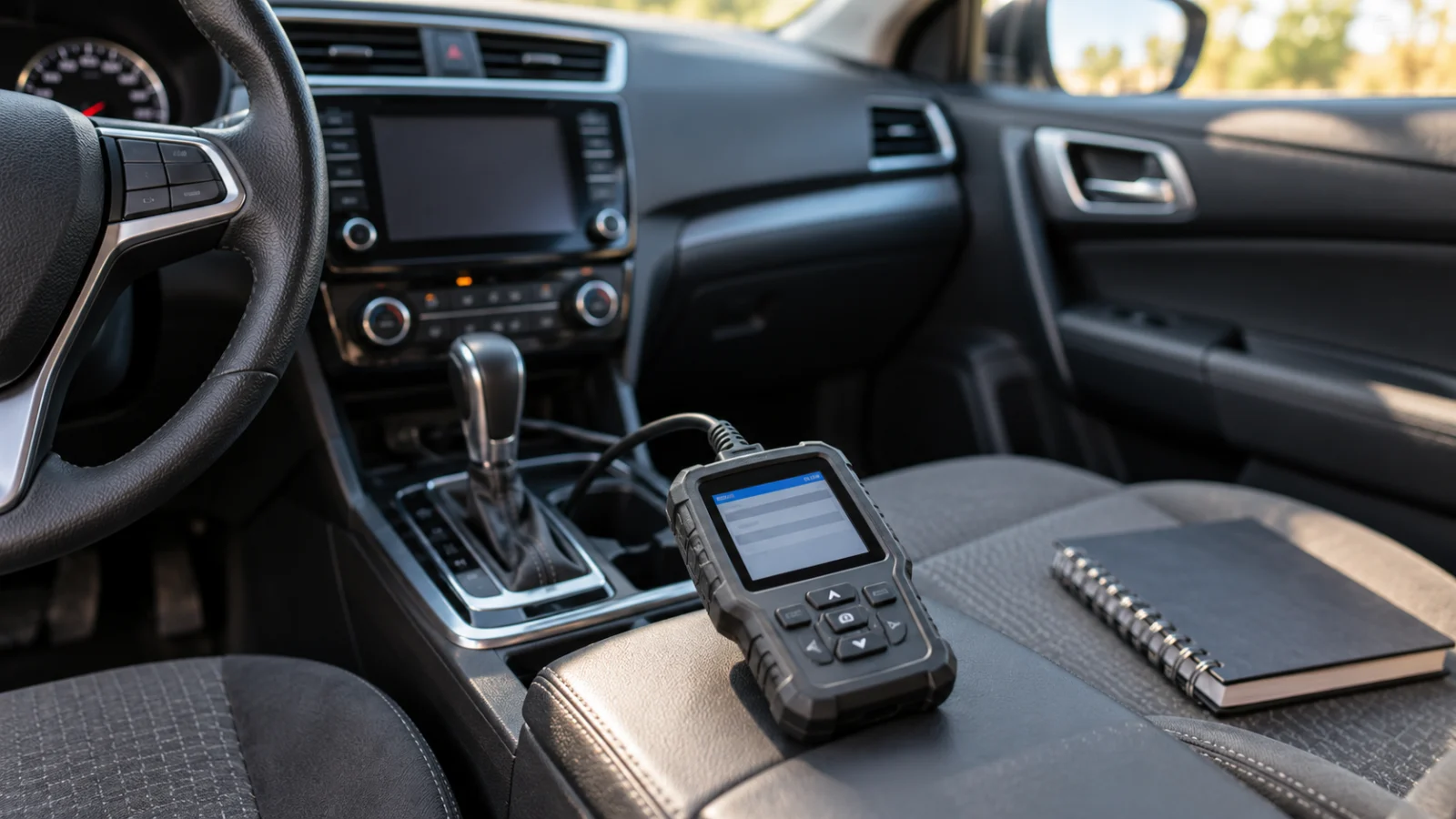
- Read codes and readiness statuses in read-only mode. Do not choose “erase,” “clear,” or “reset” just to prepare for the inspection.
- Confirm you are viewing the current vehicle and the relevant OBD-II status screen. A generic code list and the readiness monitor list are different views.
- Note the malfunction indicator lamp (MIL) status as reported by the vehicle, not only the appearance of the dashboard.
- Record each monitor’s exact displayed state. Check which are supported by the car.
- If a monitor remains incomplete, consult the vehicle manufacturer’s diagnostic information for its legitimate completion conditions. Avoid invented generic “drive cycle” recipes.
- If a fault is present, investigate and repair it properly rather than hiding evidence. Follow the local inspection authority’s current guidance on when a retest is permitted.
This is a reporting workflow, not advice to manipulate monitors or defeat an emissions-control system.
Preserve the pending, stored and permanent code states alongside readiness information. Those states answer a different question from whether a monitor has completed its test.
Not all states use the same thresholds
Inspection rules differ by jurisdiction, model year, fuel type and monitor category. An allowance for incomplete monitors in one state’s program is not a nationwide rule. Check the current guidance from your own inspection authority and use the scanner’s display as supporting information, rather than a binding inspection decision.
If your car is hybrid, diesel, electric, or has a special exemption, consult your state’s current testing program for which OBD requirements apply. Outdated charts from generic internet tutorials can be particularly misleading after rule changes.
Choosing a tool for readiness checks
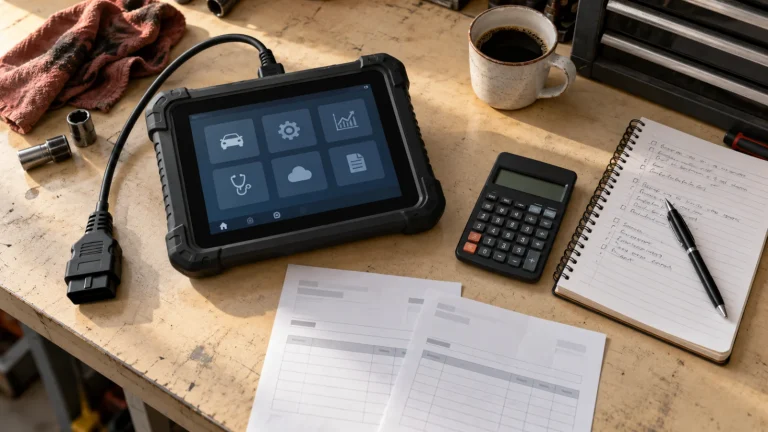
If the sole task is checking standard emissions-related monitor status, many straightforward OBD-II readers can do it. A high-priced bidirectional tablet is not necessary solely because it can also perform engine or ABS service routines. Look for clear monitor-by-monitor display, live MIL status, an easy-to-read summary, and the ability to save or photograph results without accidentally clearing codes.
The Innova 5610 includes emissions checks and OBD-II modes in its documented feature matrix; the OBDLink MX+ app supports standard OBD-II diagnostics. Both deserve investigation, but no reader should purchase a professional tablet simply because this article mentions those products. Compare the total workflow, operating-system needs, and compatibility with your vehicle. For deeper comparisons, see OBDLink MX+ vs scan tablet.
A monitor status is not a part replacement diagnosis
An incomplete catalyst monitor does not automatically prove the catalyst is faulty. It may simply not have finished its diagnostic test since an earlier reset, or a separate fault may prevent the test from running. Similarly, one ready status cannot prove that every emission-related component is working properly under all conditions. Proper diagnosis requires the actual fault evidence and model-specific service information.
Prepare a useful record for an inspection question
If the scanner display and the inspection outcome seem inconsistent, keep a dated record of the vehicle year and fuel type, the reported MIL state, and each supported monitor’s status. Include the code states and any recent battery disconnection, code clearing, software work or repair that could explain a changed electronic record. Preserve the original results before attempting another reset. This gives a repair professional or inspection authority something more useful than a photograph of a green readiness icon.
Ask the inspection program how its current requirements apply to that vehicle and which result caused the rejection or request for retesting. A rule about an incomplete monitor can differ from one about a commanded MIL or a permanent code. Do not treat another state’s answer or a scanner maker’s generic emissions label as the final decision. The reader’s role is to report the vehicle’s information accurately and follow the applicable repair and retest process.
Frequently asked questions
Will clearing codes help pass an inspection?
Not reliably, and it can make the vehicle unready. Repairs and legitimate monitor completion are different from hiding faults. Do not erase codes for the purpose of defeating an inspection.
Can an OBD2 scanner tell me whether I will pass?
It can report readiness and MIL-related information, which may help you understand some requirements. Final inspection outcomes depend on current local rules and may include other checks.
Why is a monitor “unsupported” on my car?
The vehicle may not implement that particular monitor in its powertrain or emissions configuration. Check documentation and the actual program rules before treating unsupported as a defect.
Is a fixed number of miles guaranteed to set all monitors ready?
No. Manufacturer-defined enable conditions differ. Don’t follow universal mileage claims in place of the actual vehicle’s diagnostics.
Final recommendation
Readiness is a status reporting problem before it is a scanner shopping problem. Use a compatible reader, document supported monitor states, repair diagnosed faults properly, and consult the authoritative local inspection requirements. A scanner provides evidence; it does not certify an inspection result.