Ownership Guides
Choosing One Diagnostic Scanner for Multiple Cars: Coverage, Updates and Shop Costs
Choose a scanner for multiple cars by checking each vehicle's required functions, update costs, connection needs and access requirements.

A clearer view of scan tools, compatibility and software ownership.
Choose a scanner for multiple cars by checking each vehicle's required functions, update costs, connection needs and access requirements.

Check vehicle identification when AutoVIN fails, including manual selection, market and powertrain details, software and connection issues.
Plan pre-scan and post-scan vehicle reports with a practical checklist for vehicle identity, module records, repair notes and scan limitations.
Understand pending, stored and permanent OBD2 trouble codes, including what their status can tell you and what a scanner cannot erase.
Understand OBD2 adapter and app limits for hybrids and EVs, including the vehicle-specific checks needed for traction-battery information.
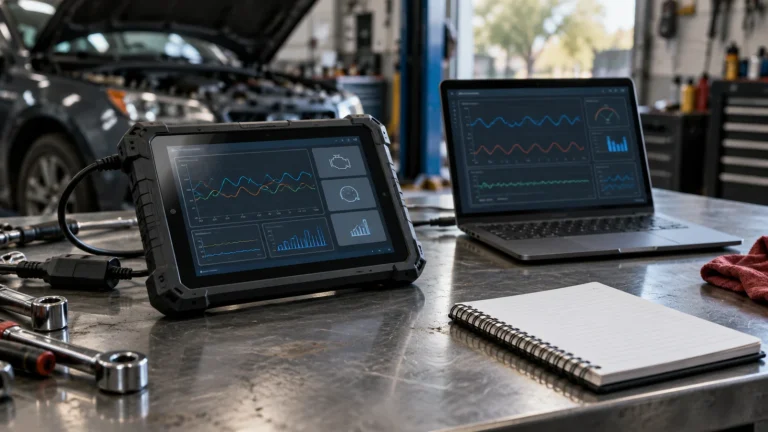
Compare OBD2 Mode 6 monitor-test results and live data, including how vehicle-specific definitions affect what the readings mean.
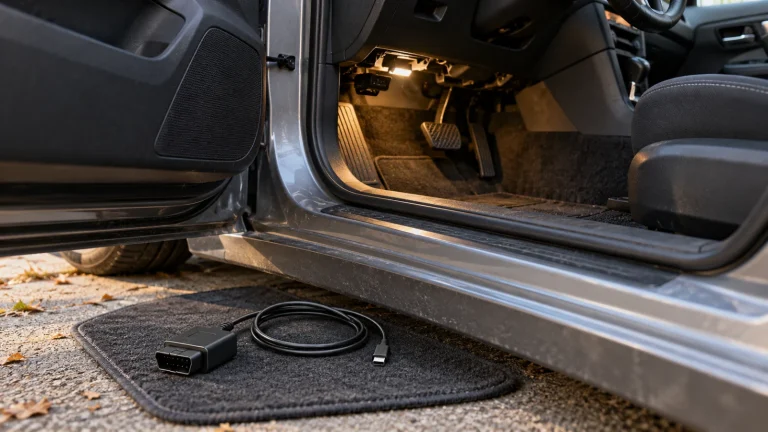
Check port power, app selection, Bluetooth or Wi-Fi pairing, drivers and vehicle compatibility when an OBD2 adapter will not connect.
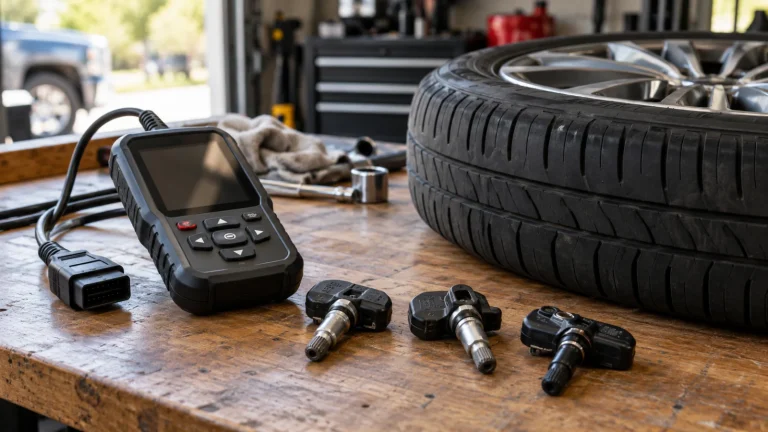
Understand TPMS sensor programming, activation and vehicle relearn so you can identify the tool functions your particular job requires.
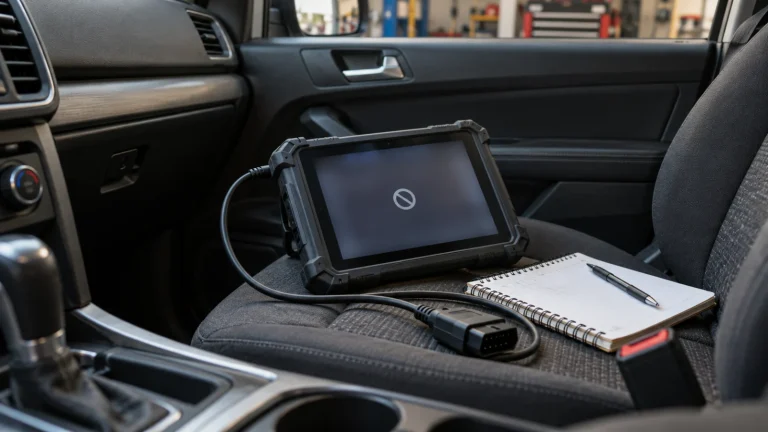
Work through ten checks when a scanner reports an unsupported function, including vehicle identity, software, access and compatibility.
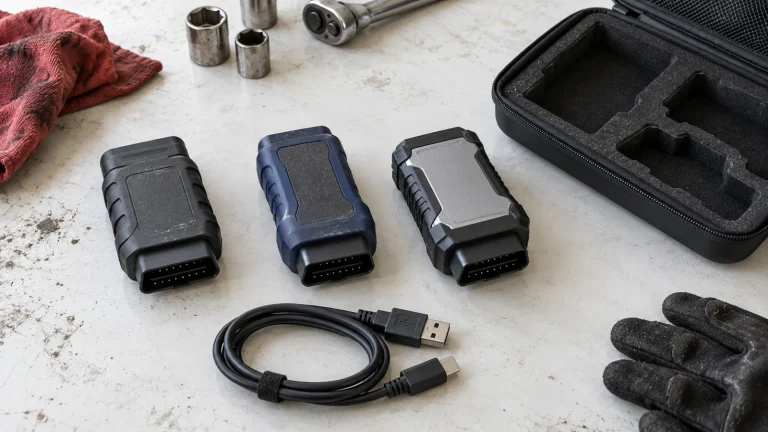
Check scanner model, regional version, pairing requirements and manufacturer support before buying a replacement VCI adapter.